ZEROED
SHOT ANALYTICS
Instant AI-powered shot group analysis — no account required
How to photograph your target
WRONG — TOO CLOSE
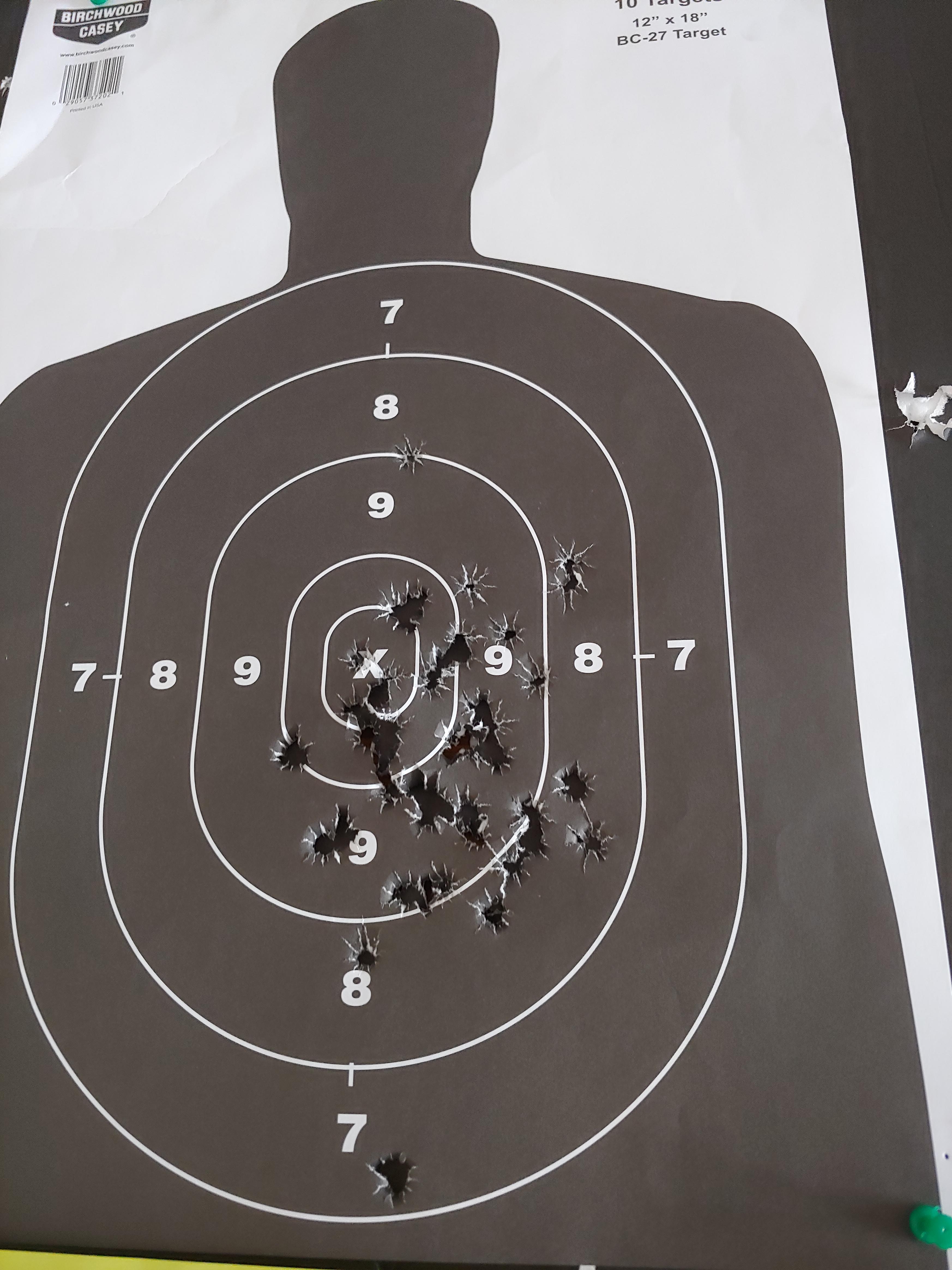
Paper corners not visible — analysis will fail
CORRECT — FULL PAPER VISIBLE
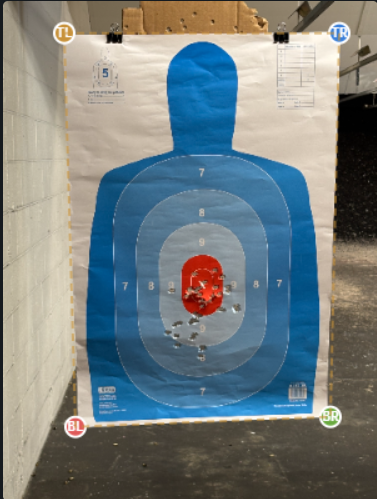
All 4 corners visible — ready to analyze
1
Step back far enough to see the full paper with some background visible around all four edges
2
Hold your phone straight on — avoid shooting at an angle which distorts the paper shape
3
Good lighting helps — avoid shadows falling across the paper
4
After uploading, click the outer corners of the paper — not the printed target or silhouette
5
Click corners in order: top-left → top-right → bottom-right → bottom-left